Set Up Webhooks
When something happens in DM Editors — a post is published, a form submission arrives — DM Editors can ping another service. That ping is a webhook.
When to use a webhook
- Trigger a static site rebuild on Vercel, Netlify, Cloudflare Pages.
- Send a Slack message when a contact form is filled.
- Sync with a CRM (HubSpot, Salesforce) when a lead arrives.
- Add to a newsletter list (Mailchimp, ConvertKit).
- Run a Zapier / Make / n8n workflow.
- Bust a CDN cache when entries are published.
Create your first webhook
-
Open Webhooks
Click Webhooks in the sidebar, then New webhook.
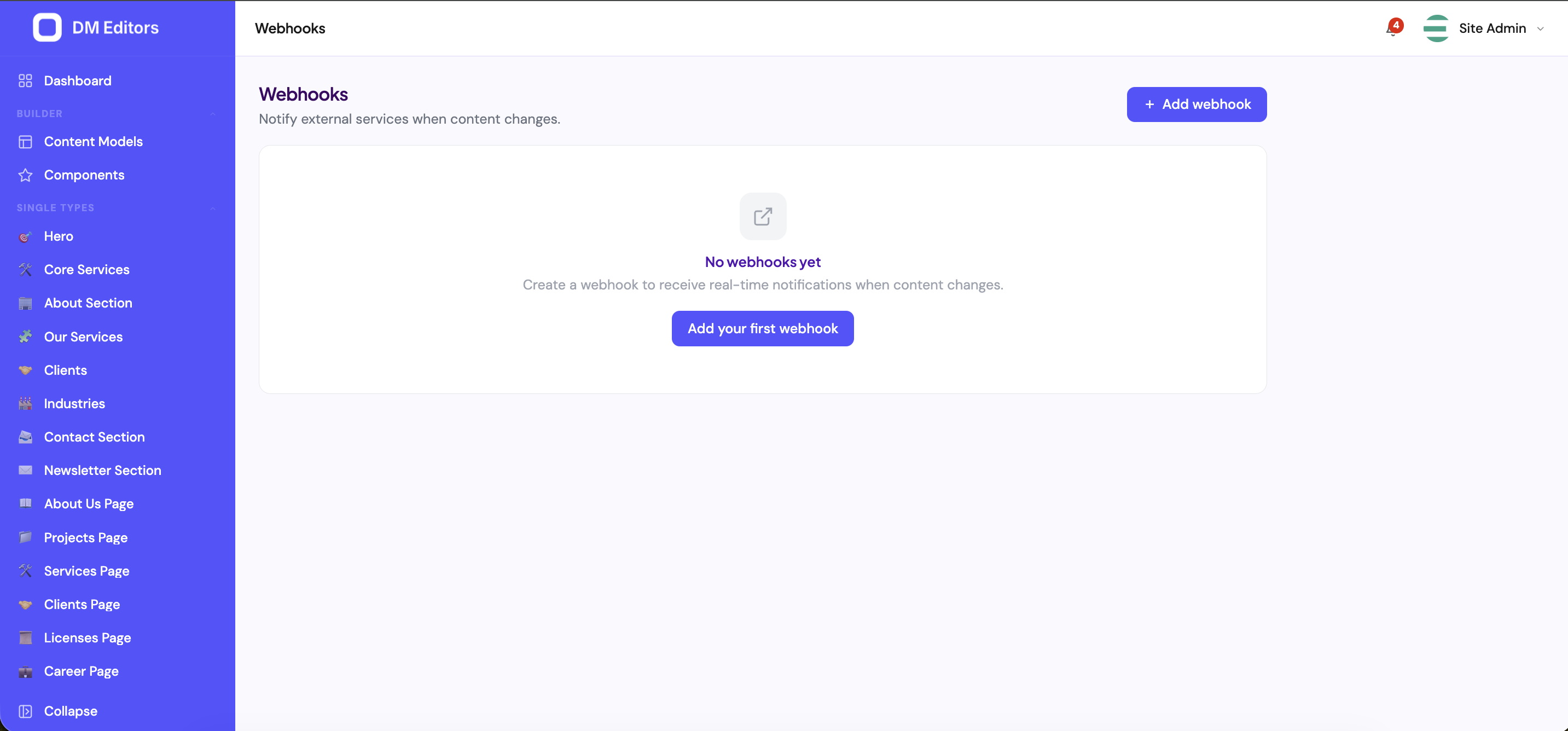
The Webhooks screen before any are configured. - Name it Something specific: "Rebuild Vercel — Production", "Notify #marketing on new post".
-
Paste the destination URL
Copy this from the service you're connecting to. Examples:
- Vercel: Project → Settings → Git → Deploy Hooks.
- Netlify: Site → Build & deploy → Build hooks.
- Slack: An incoming webhook URL from
api.slack.com/apps. - Zapier: A "Webhooks by Zapier" trigger URL.
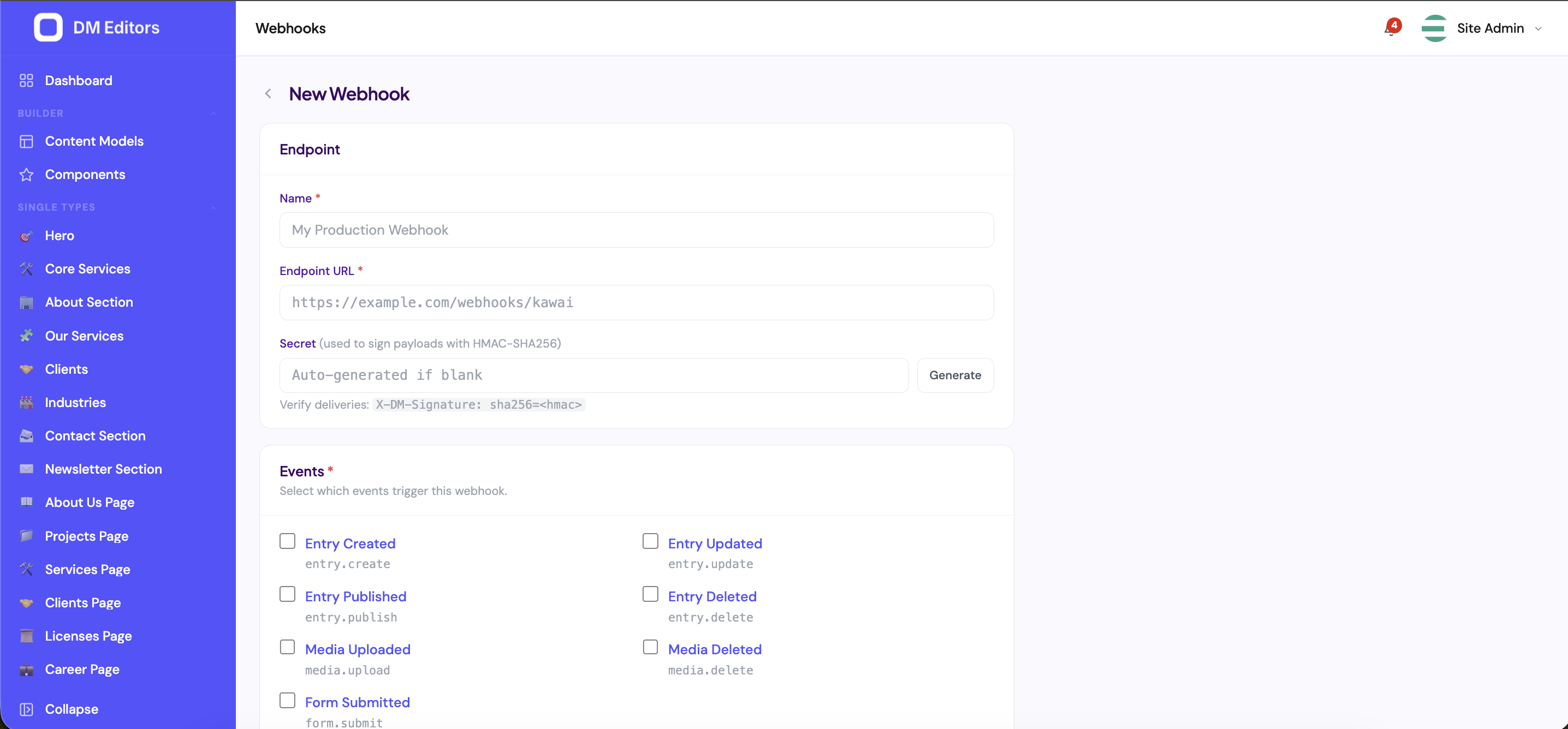
Configuring a new webhook. -
Pick events
Tick the ones you care about. Common picks:
- entry.published — most common for site rebuilds.
- entry.unpublished — to rebuild after takedowns.
- form.submission.created — for CRM / Slack alerts.
- media.uploaded — for image-CDN warmups.
-
(Optional) Set a secret
Used by the receiving service to verify the message really came from DM Editors. Generate a random string and paste it in. The receiver must use the same string to verify the
X-DM Editors-Signatureheader. -
(Optional) Add custom headers
If the receiver needs an auth token, add it as a header here (e.g.
Authorization: Bearer abc123). - Save The webhook is now active and will fire on every matching event.
-
Click "Send test"
DM Editors fires a synthetic payload immediately so you can confirm it works without waiting for a real event.
From the webhook editor, click Send test to fire a synthetic payload.
Inspect delivery history
Open any webhook to see every attempt — what was sent, what came back, how long it took. Failed deliveries are auto-retried with backoff until they succeed or hit the retry cap (default 5 attempts).
Troubleshooting
| Symptom | Likely cause | Fix |
|---|---|---|
| All deliveries fail with 401 / 403 | Receiver expects auth | Add the right Authorization header in webhook settings. |
| 200 OK but nothing happens in receiver | Payload format mismatch | Show your developer the Payload shape in the API docs; they may need a small handler. |
| Timeouts | Receiver too slow | Move heavy work to a queue on the receiver side; ack the webhook quickly. |
| Webhook never fires | Wrong event picked | Re-check the events list; remember that publishing fires both entry.updated and entry.published. |
Pause or delete
- Pause — flip the active toggle off. Stops deliveries without losing the config.
- Delete — gone for good. Delivery history is retained for 30 days.
Next steps
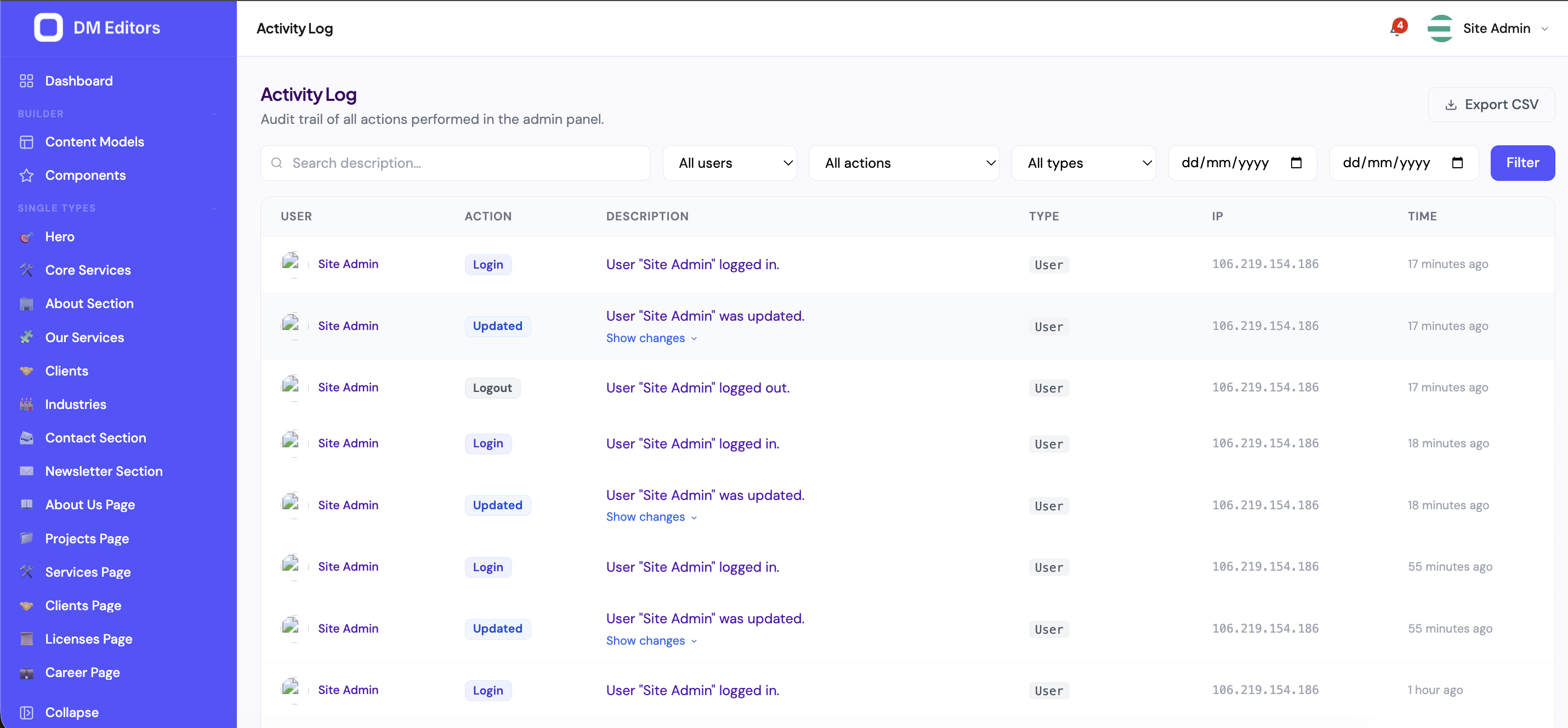
Last stop — the activity log, your team's audit trail.