Your First Login
Sign in to the DM Editors admin, change the default password, and complete your profile.
What you'll need
- The admin URL (e.g.
https://cms.yourcompany.com/admin) - The email address your admin set up for you
- A temporary password (sent by email, or shared securely)
- A modern browser — Chrome, Safari, Firefox, or Edge
Step-by-step
-
Open the admin URL in your browser
You'll land on the login screen. If you typed the bare domain (no
/admin), DM Editors will redirect you automatically.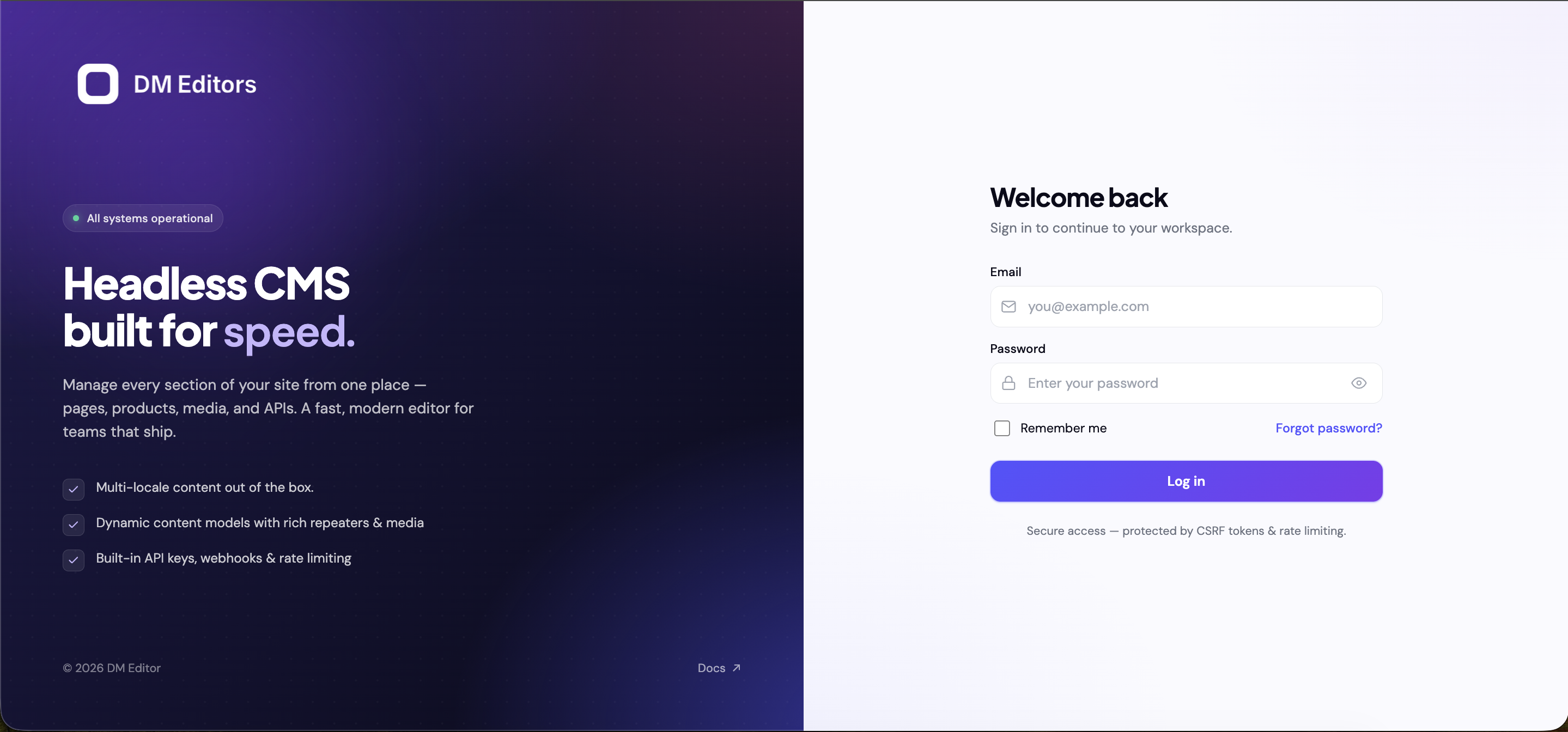
The login screen at /admin/login. - Enter your email and temporary password Tick "Remember me" if you're on a personal device. Click Sign in.
-
You'll land on the dashboard
The dashboard shows recent activity, content counts, and quick links. Don't worry if it's empty — you'll fill it up as you go.
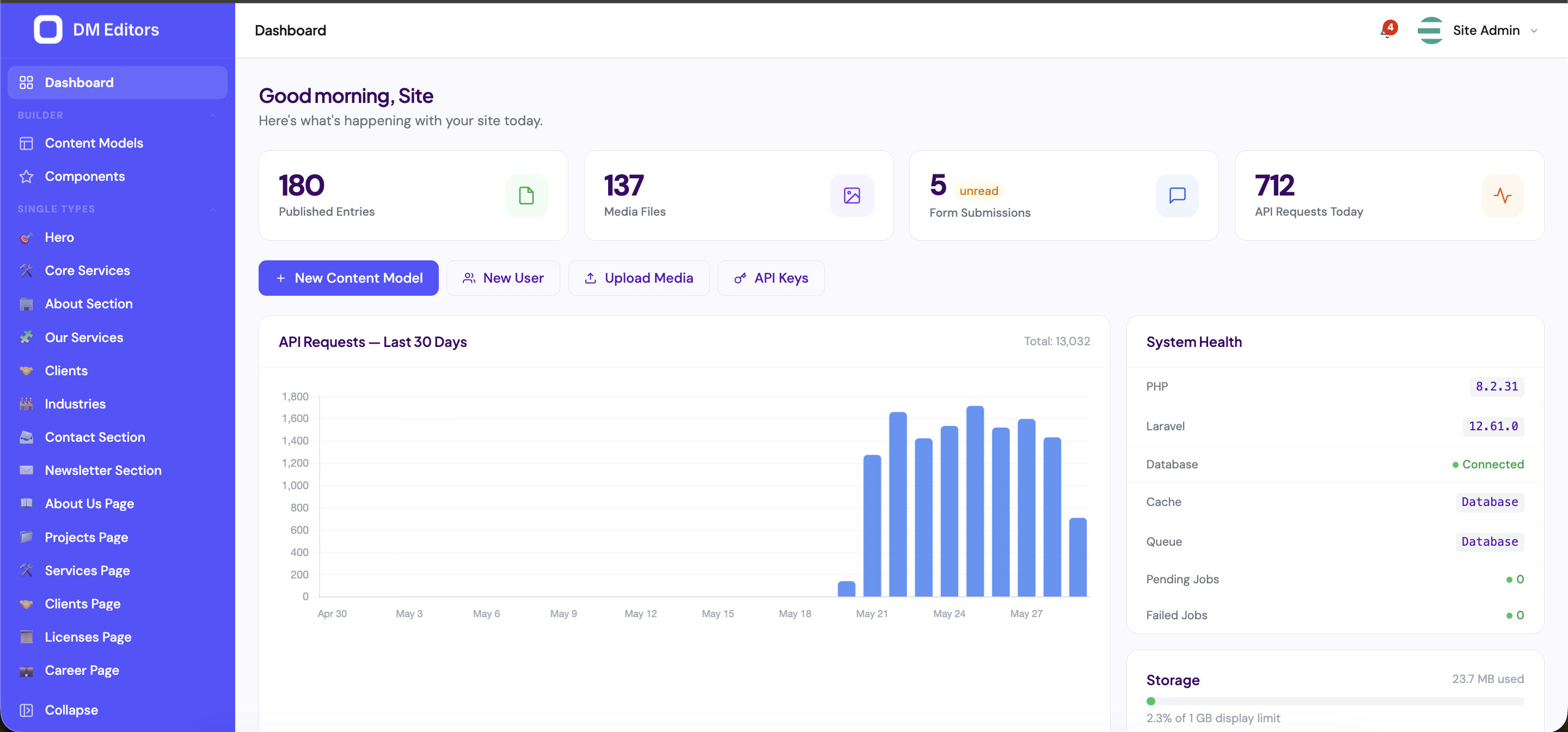
Your first view of the admin. -
Open your profile
Click your name in the top-right corner of the header, then choose Profile.
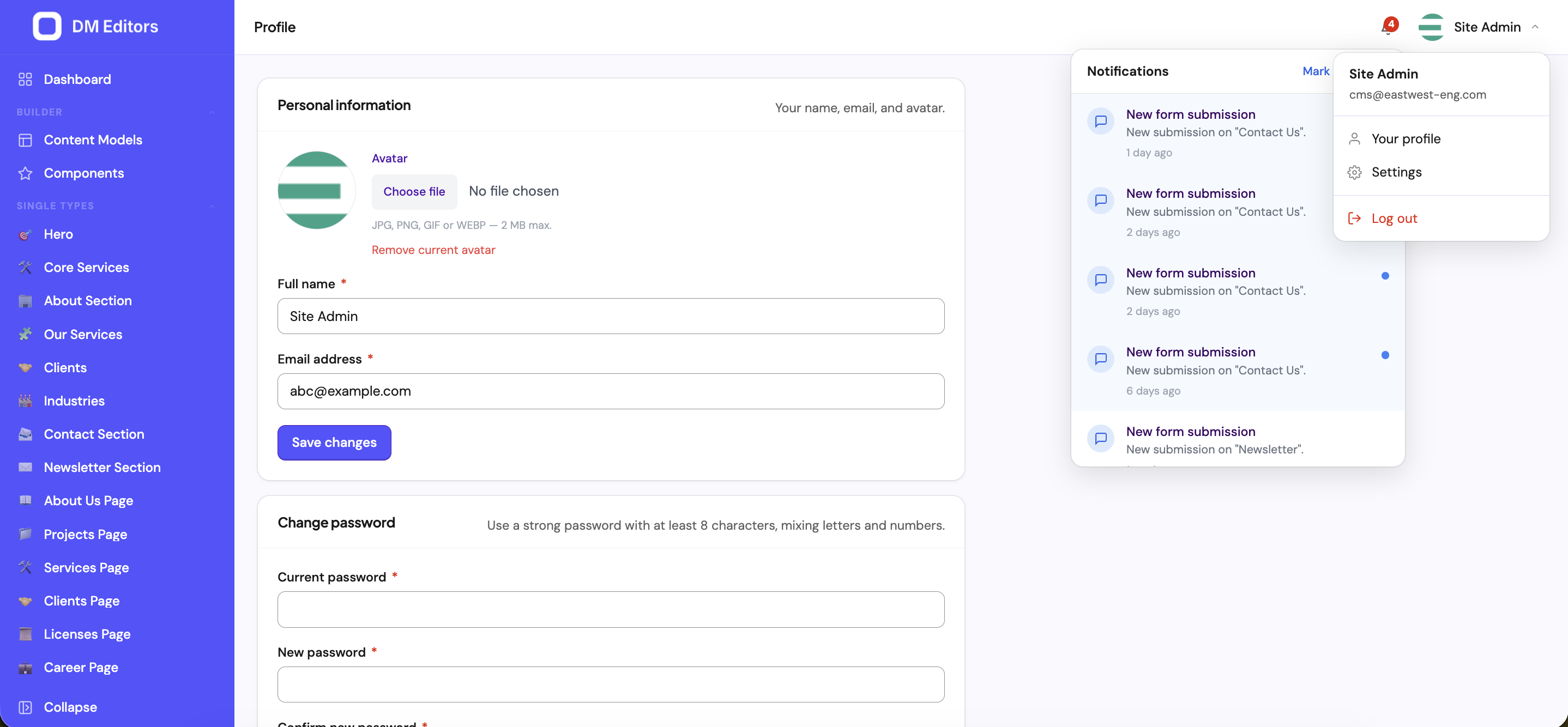
The avatar dropdown in the header. - Change your password Under the Password tab, enter your current (temporary) password and a new one. Use at least 12 characters with a mix of letters, numbers, and symbols.
-
Upload your avatar (optional)
On the Profile tab, click the avatar circle and pick an image. JPG or PNG, ideally square.
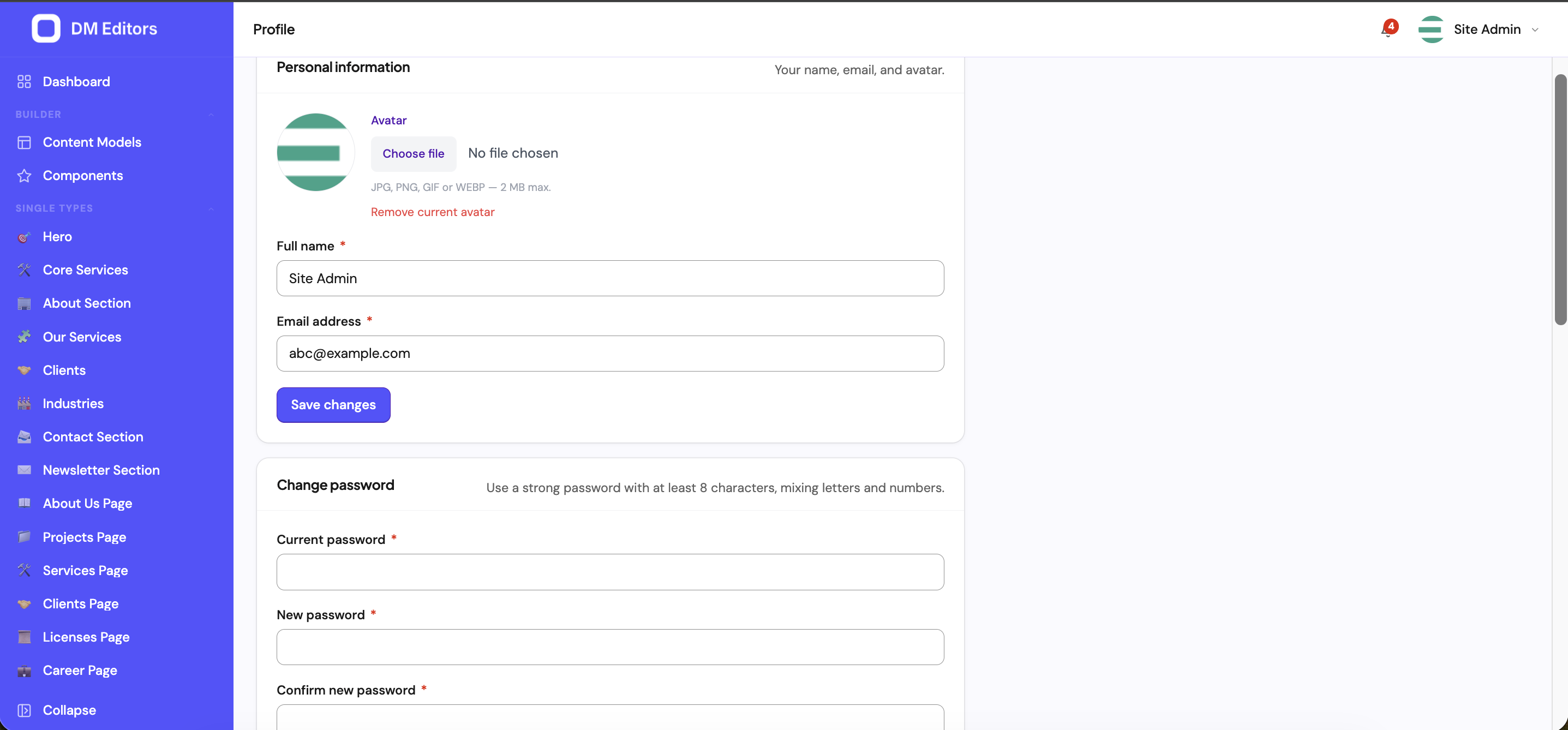
The Profile editor. - Review active sessions Under the Sessions tab you'll see every device currently signed in as you. Click Sign out other sessions if anything looks suspicious.
Forgot your password?
- On the login screen, click Forgot password?.
- Enter your email and submit.
- Check your inbox for a reset link (it expires in 60 minutes).
- Open the link, set a new password, sign in again.
If you don't get the email, check spam, then ask your administrator to reset your password manually.
Account locked?Too many wrong passwords in a row triggers a short lockout. Wait a few minutes and try again, or ask an admin to clear the lock.
Next steps
Now that you're in, take a quick guided tour of the admin so you know where everything lives.